
Free Image Resizer: Social media platforms, websites, and email clients all have different image size requirements. Resizing images manually can be frustrating and often reduces quality.
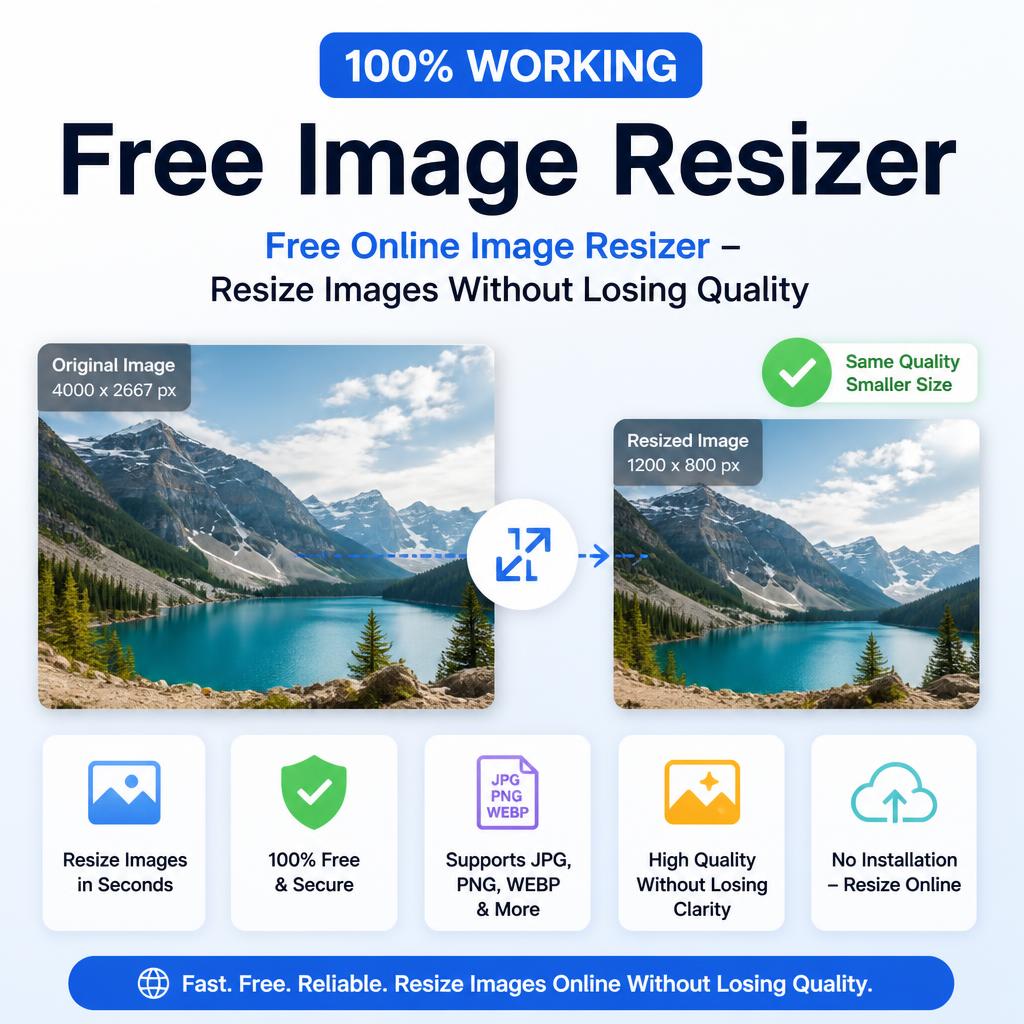
Our free Image Resizer makes it simple.
Free Tool
Image Resizer & Compressor
Shrink dimensions, cut file size, keep quality \u2014 all inside your browser, nothing uploaded.
Drop an image here, or click to browse
JPG, PNG, or WebP
Frequently asked questions
Does resizing reduce image quality?
Shrinking dimensions alone barely affects visual quality since you’re simply displaying the same detail in a smaller space, while the compression slider controls a separate, more noticeable quality tradeoff.
Is my image uploaded anywhere?
No, resizing and compression both happen locally using your browser’s built-in Canvas API, so the file never leaves your device.
What quality setting should I use for web images?
Around 70 to 80 percent quality typically gives the best balance for websites, keeping file size low while remaining visually indistinguishable from the original at normal viewing sizes.
Our free Image Resizer makes it simple.
Features
- Resize by pixels, percentage, or preset social media sizes
- Maintain aspect ratio or crop as needed
- Supports JPG, PNG, WEBP, and more
- Batch resize option
- No quality loss with smart compression
How to use
- Upload one or multiple images.
- Choose new dimensions or select a preset (Instagram post, Facebook cover, etc.).
- Download the resized files instantly.
Perfect for bloggers, marketers, online sellers, and designers. Resize your images the easy way with our free Image Resizer tool!